Printer or scanner problem
Printer is offline, documents are stuck in the print queue, scanner doesn't work or you need a driver? AI assistant guides you to a solution. Free, 24/7, in English.
Printer and scanner · Question 1 of 2
How is the printer connected?
A printer that "won't" most often has a stuck print queue, a changed IP address on the network or the wrong driver. Hardware is less often the issue.
Take a photo of the printer screen or the message on the computer and send it to the assistant.
Most common problems
- The printer is offline
- Documents are stuck in the queue and won't print
- The printer doesn't work after a Windows update
- The scanner doesn't send documents to the computer or email
- How do I add a network printer?
- The print is faint or has lines
Check these first
- 1Power and cableCheck that the printer is on and connected, and that a network printer is on the same network as the computer.
- 2Print queueCancel all documents in the print queue and restart the printer and computer.
- 3Default printerIn settings, check that the right printer is selected, not PDF or an old device.
- 4Manufacturer driverDownload the latest driver from the manufacturer's site for the exact printer model.
Frequently asked questions
Why is the printer offline even though it's on?
Most often the network printer got a new IP address or the computer lost connection to it. The solution is a fixed IP address or re-adding the printer.
How do I scan directly to email?
Most network devices support this via SMTP settings. The assistant explains the steps for your model.
Do you service printers?
We set up network printers and scanners for companies as part of IT maintenance. Hardware faults are referred to an authorized service center.
Other areas
Intrascope
Need AI for the whole team?
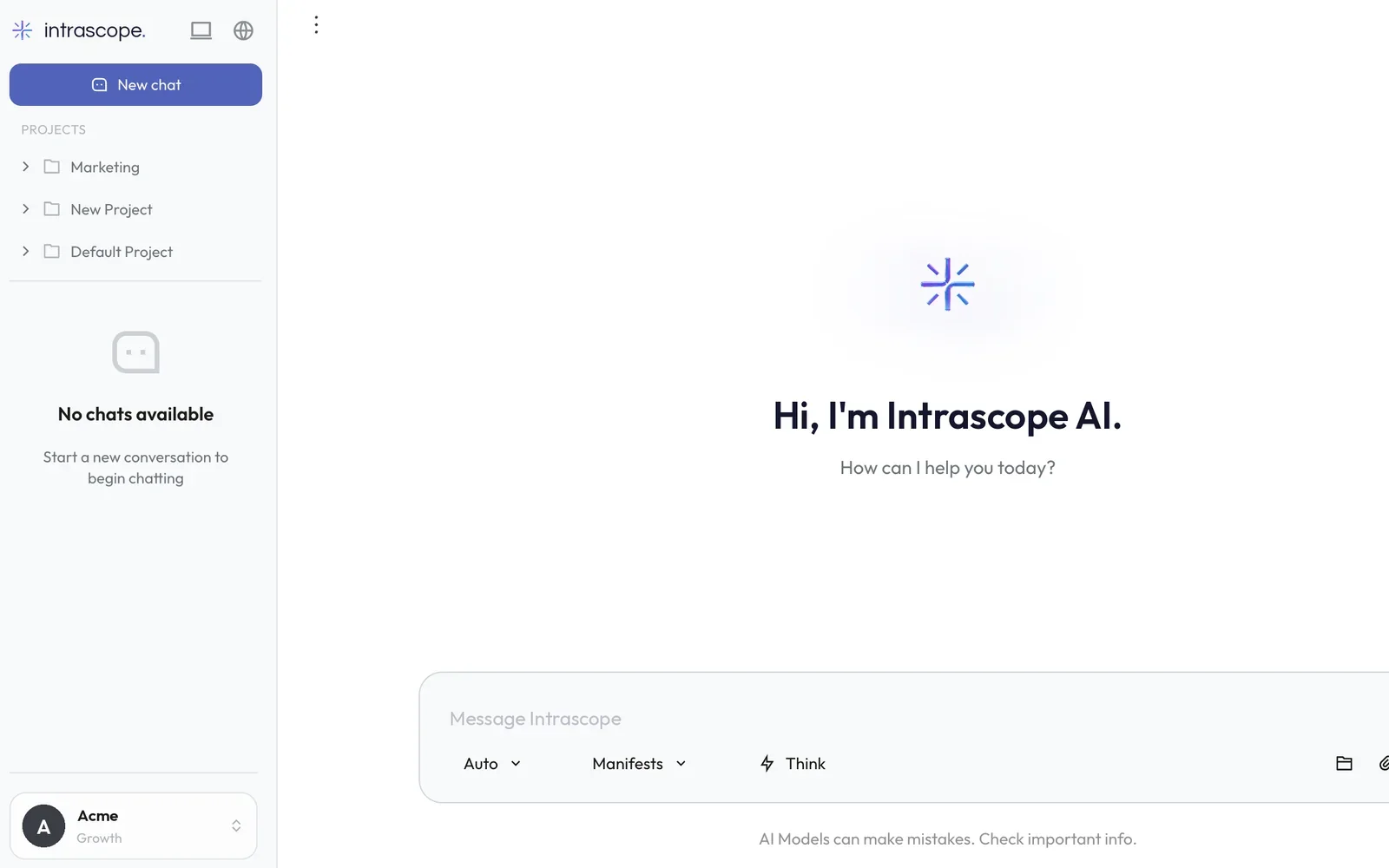
Intrascope gives a company 120+ AI models in one place, with control of costs, permissions and data. It was developed by the EVI Solutions team.
See Intrascope