AI IT assistant 24/7
Choose an area, describe the problem or send a screenshot of the error. Free, no registration, up to 10 messages per day.
What are you having trouble with?
Choose an area so the assistant can immediately ask the right questions.
Guided diagnostics
You choose an area and answer short questions instead of writing a long description.
Reads error images
Send a screenshot or a photo of the message and the assistant recognizes the error.
Web search
For error codes and new software versions it looks for current instructions and cites sources.
Handover to an expert
If it doesn't work, with one click you send the whole conversation to our IT team.
Areas where the assistant helps
Each area has its own questions, most common problems and quick checks you can do yourself.
Intrascope
Need AI for the whole team?
Intrascope gives a company 120+ AI models in one place, with control of costs, permissions and data. It was developed by the EVI Solutions team.
See Intrascope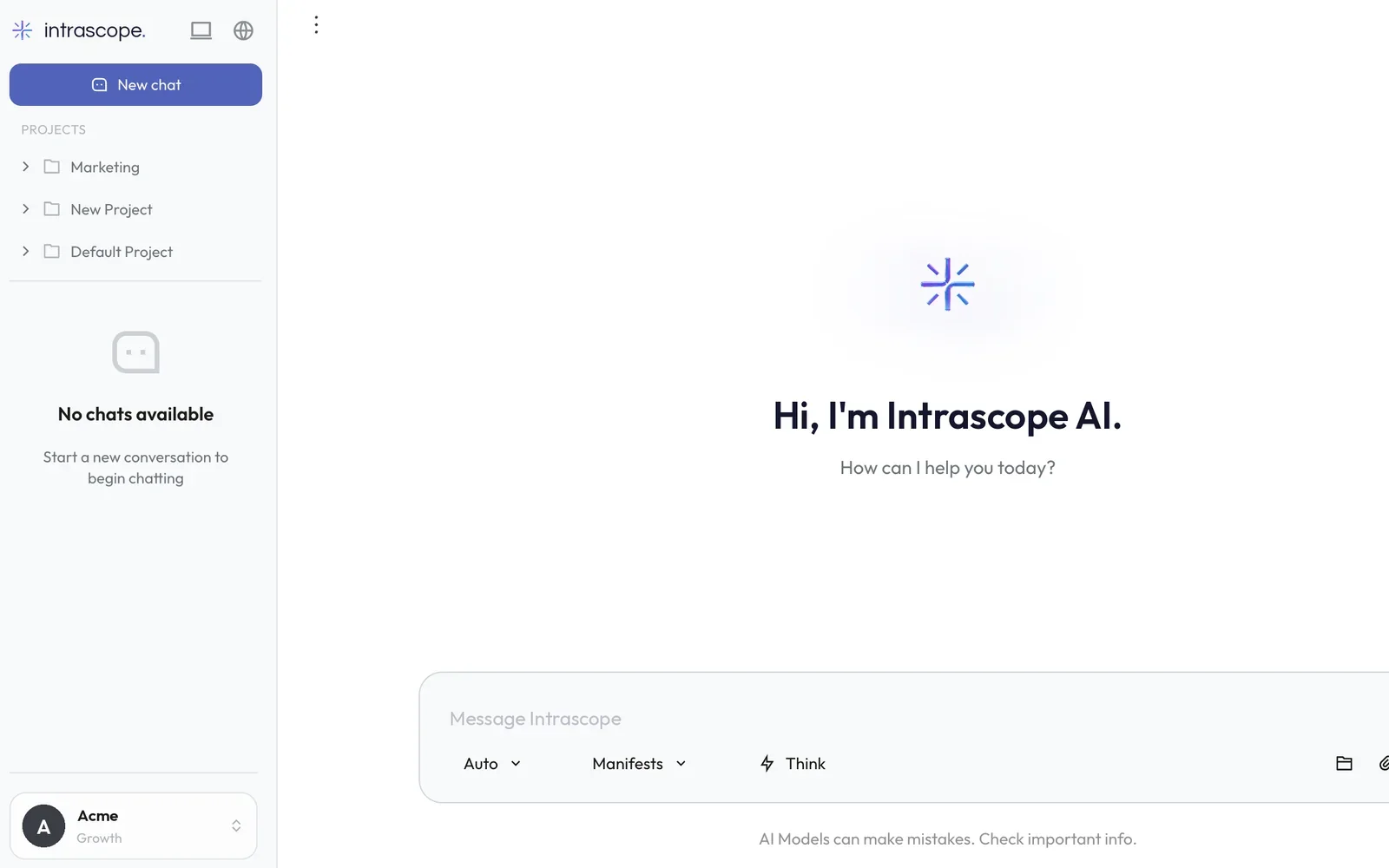
How the free AI IT assistant works
The assistant works as a first level of IT support that is available even at 3 in the morning. First you choose an area (computer, internet, email, printer, website, phone or security), answer one or two short questions and then describe the problem in your own words.
If you have an error message, just take a photo of the screen or send a screenshot. The assistant reads the image, recognizes the error code and if needed searches the web for the latest instructions, then gives you a step-by-step solution with sources.
When the problem needs an expert, with one click you hand it over to our IT team. We send the whole conversation, so you don't have to explain again. EVI Solutions maintains 100+ workstations, servers, networks and Microsoft 365 for companies in Belgrade and Serbia.
The assistant is powered by Intrascope, a platform for secure use of artificial intelligence in companies developed by the EVI Solutions team. For unlimited AI with all leading models for the whole team, see Intrascope.
Frequently asked questions
Is the AI IT assistant really free?
Yes. Up to 10 messages per day without registration and without payment. The limit resets every day.
Can I send a screenshot of the error?
Yes. Add a screenshot or a photo of the error message (PNG, JPG or WebP). The assistant reads the text and the error code and suggests a solution based on that.
Does the assistant search the internet?
When needed, for example for a specific error code or a new version of a program, the assistant searches the web and shows the sources below the answer.
Do you store my conversations and images?
We do not store the content of conversations or images. They are sent to the language model only for the purpose of answering. We only count the number of messages due to the daily limit.
What if the assistant doesn't solve the problem?
Click "Hand it over to us" and our IT team receives the whole conversation. We respond within one business day, and for companies under maintenance even faster.
Does it help companies too?
Yes, and that is the most common use. For ongoing support, servers, networks, Microsoft 365 and security, see the IT infrastructure maintenance service.
Can I have an assistant like this on my website?
Yes. We build AI assistants and chatbots for websites and internal systems, connected to your documentation, products and price list.